How this comparison was prepared
A desk-research comparison of UK software categories and official reporting guidance. Prices, promotions and plan entitlements change; we do not award star ratings or claim hands-on product tests.
Provider links are supplied for further research. Inclusion is not an endorsement or a personalised recommendation. Check the latest terms and your own circumstances before acting.
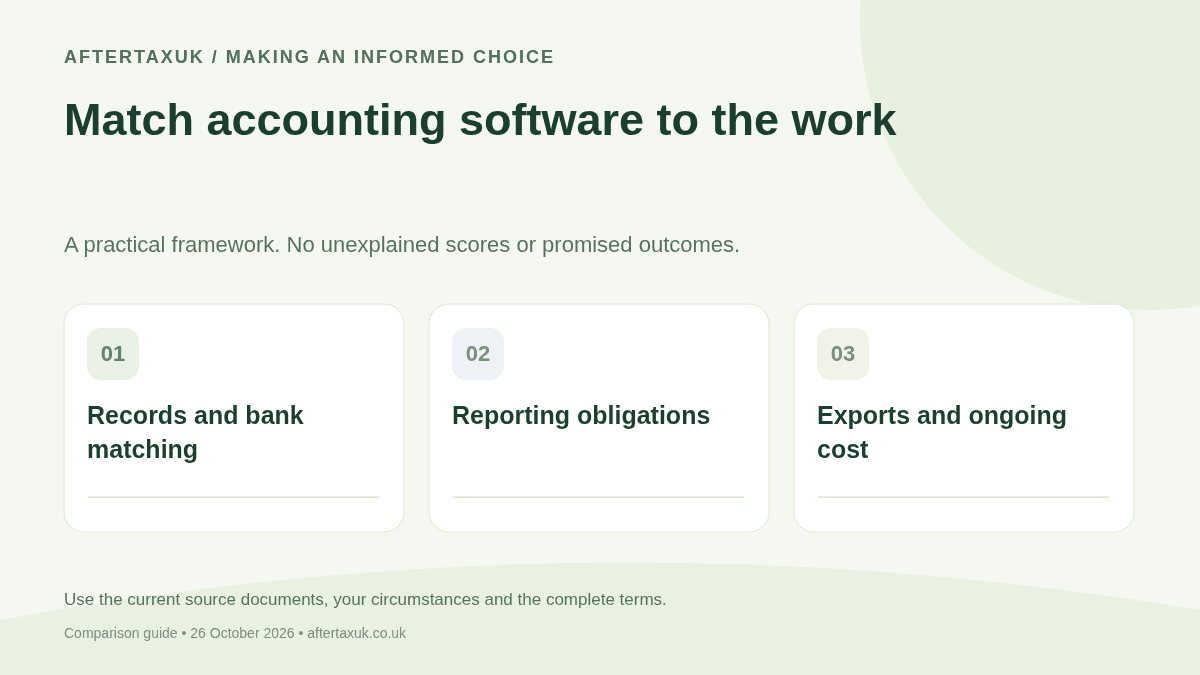
Start with these three checks
- List your legal structure, income sources, VAT status, payroll needs and any Making Tax Digital obligations. Ask your accountant which records and permissions are needed.
- Use a trial to enter a real invoice, expense, credit note and bank transaction. Test reconciliation and the actual report or submission workflow you need.
- Compare the ongoing plan price including VAT where applicable, users, payroll, bank feeds and add-ons. Export your data before the trial expires.
Options to investigate and what to check
This is a research shortlist, not an ordered league table. Compare the same needs and assumptions in each case.
FreeAgent
A small business considering bookkeeping alongside UK tax workflows.
Check: Confirm your legal entity and required return are supported, accountant access and the conditions of any bank-provided subscription.
Published informationXero
A business considering bookkeeping with multiple users or integrations.
Check: Check limits and eligibility for the chosen UK plan, payroll or expense add-ons, supported bank feeds and the cost of extra users or organisations.
Published informationQuickBooks UK
A business investigating bookkeeping and digital reporting options.
Check: Verify the current UK product, compatible tax obligations, plan features and export options. Do not infer features from US pricing pages.
Published informationSage UK
A business comparing bookkeeping with payroll or broader business software.
Check: Different products serve different needs. Compare the exact product and required modules, not just the Sage brand name.
Published informationCheck the obligation before the software label
HMRC’s current Making Tax Digital for Income Tax collection explains the applicable income criteria, commencement dates and exemptions. For the first phase from 6 April 2026, it identifies affected sole traders and landlords with qualifying income over £50,000. Check the detailed guidance for your own circumstances rather than treating every small business as immediately included.
VAT reporting, Income Tax digital reporting, company accounts, Corporation Tax and payroll are different processes. A product advertising one type of digital submission does not necessarily handle the others. Check the relevant HMRC compatible-software list and the exact function required.
A useful trial should reveal errors, not only dashboards
Create an invoice, record a partial payment, issue a credit note and attach an expense receipt. Check how the software handles a duplicated bank transaction and an unmatched transfer between your own accounts. These tasks show more than a screenshot of a profit chart.
If you use VAT, ask your accountant to check the treatment of a representative transaction and the report feeding the return. If you employ people, test the required payroll process separately; a bookkeeping subscription may not include payroll.
Bank feeds can make records easier to import but do not classify every transaction correctly. Keep a reconciliation routine and confirm which actions you or your accountant must authorise. Re-authentication and provider permissions should be checked in the current service documentation, not an assumed fixed interval.
Compare the cost of ownership and exit
Record the non-promotional subscription and any payroll, receipt capture, extra-business, user or reporting add-ons. A short introductory discount should be shown separately from the cost of running the business for a normal year.
Check what you can export: transaction detail, attachments, audit history, chart of accounts and reports. Ask how long read-only access continues after cancellation, and keep records for the period required by the rules that apply to your business.
A free or bundled product can be useful where its terms and reporting scope fit. A spreadsheet can remain part of an appropriate workflow in some cases, but it does not by itself prove compatibility with a required digital submission process.
Build a requirements matrix before comparing prices
Use these example requirements for your own trial. They are not product scores or statements that any named provider includes the feature.
| Business task | What to test | Evidence to keep |
|---|---|---|
| Invoice and credit note | Create, part-pay and correct an invoice | Exported invoice and ledger entry |
| Bank reconciliation | Match a transfer and remove a duplicate | Reconciled statement and audit trail |
| Tax reporting | Confirm the required UK submission path | Applicable HMRC listing and plan details |
| Leaving the service | Export records and attachments | Readable backup outside the product |
Only shortlist products that complete your necessary tasks. Use your current quoted tariffs to compare ongoing cost after that functional check.
Sources and further checks
Use these official guidance pages alongside the provider pages linked above. Published charges and terms can change; a quote and full contract are needed for a personal decision.
Found a changed term or an error? Send a correction with the page URL and the relevant source.
Questions about this comparison
Practical points to check before choosing a product or service.